Pages: 1
|
|
Posted on 10-22-26, 11:03 am (rev. 2 by
|
 Goomba GoombaA random Guy on the internet that like mario games in general :/  Karma: 42 Posts: 33/33 Since: 12-21-25 |
In this tutorial i will theach you how to make Good World Map Textures :
--summary-- -comparing NSMBe & NitroPaint -NitroPaint's textures format and how to import your images --comparing NSMBe & NitroPaint-- So , you want to make new world map for your rom hack and the first logical step to do is finding the different world map's in the "ROM browser tab" , they are located in the "map" directory :  After that you should find files named : W1.nsbmd,W2.nsbmd,W3.nsbmd... and then open the file for the world you want to edit , like in this example i will modify world3! then import your texture with the : import this bitmap and recreate pallete button ... BUT now your wondering WHY THE TEXTURE LOOKS SO BAD  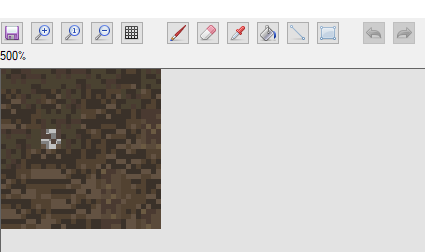 this is the original image .... 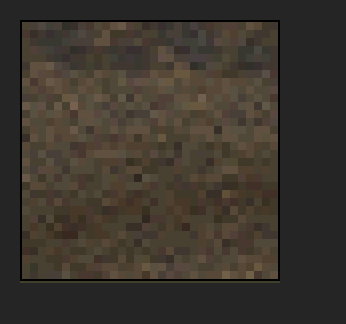 So Next Download NitroStudio a special tool that alows to edit and create a lot of things for ds games. Select the world map you wanted to edit , click Extract and save it somewere safe . Import The file in nitro studio and you should have this: 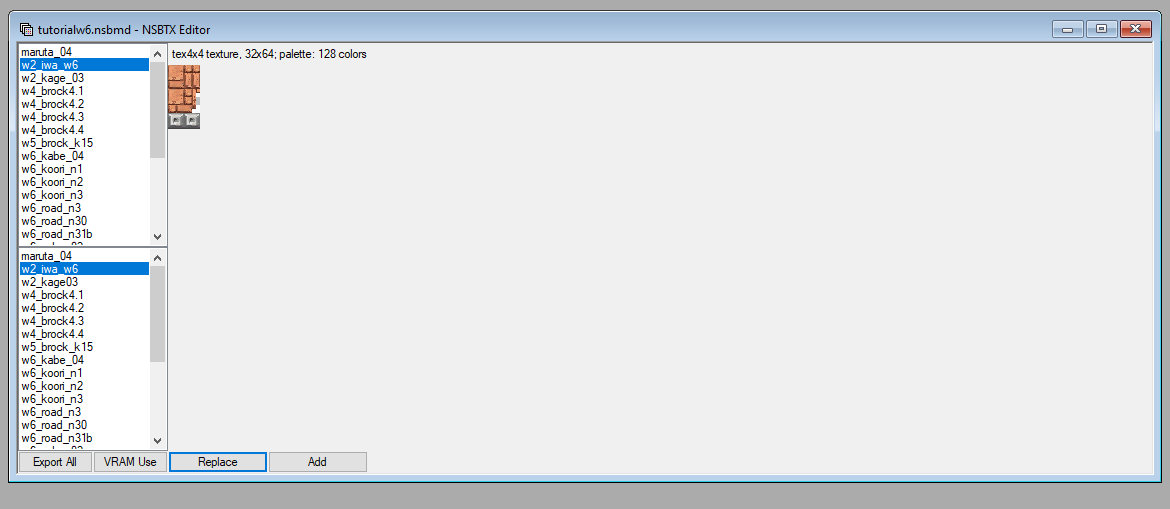 Click Export All and save it in a folder . NitroStudio Export in the .tga format which is not common. But you can use asesprite or libresprite (like me) to modify the tga files . --NitroPaint's textures format and how to import your images-- When you import your texture a popup apears with some options (note: i will only talk about the format option since the other ones are not necessary for the convertion process(maybe for the 4x4 compression option though)) : 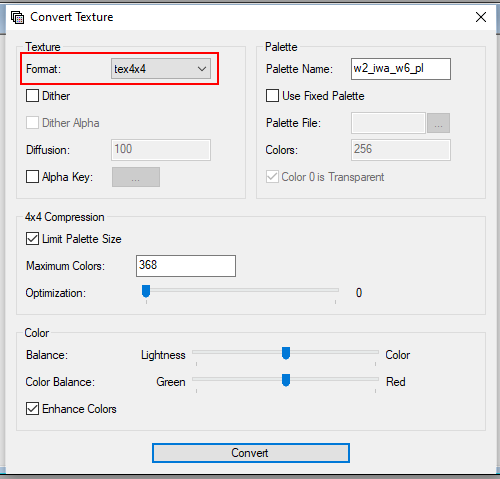 Formats: -Name- -Fonction- -Ram usage- -When to use it-
-a3i5 -allows for transparent -medium -when you need a texture to
textures but MAX 32 colors be transparent
-a5i3 -allows for transparent -medium -when you need a small texture to
textures but MAX 8 colors be transparent
-pallete4 -allows for MAX 4 colors -very low -when you need a texture with very
few colors
-pallete16 -allows for MAX 16 colors -low -when you need a texture with few
colors
-pallete256 -allows for MAX 256 colors -high -when you need a texture for a
backround or high quality
-tex4x4 -each 4*4 square can only -medium -when you need a good quality
have 4 colors of a set nomber of colors texture for a smaller size
-direct -each pixel has its own rgb value -EXTREMELY high -when you REALY need a very good
texture quality Then you chose your prefered format , BOOM you've got a good quality texture with the same format and same pallete: 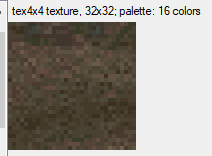 you can even expend the pallete with the colors option in the pallete options (4x4 compression options for the tex4x4 format obviously) , but do not abuse direct and 256pal textures or ram can be saturated . The END links: -NitroPaint:https://github.com/Garhoogin/NitroPaint/releases/tag/v2.10.1.0 I hope this helped somebody 
_________________________ The Rom Hack I Am Working On  i should have chosen a better font... |
Pages: 1