
Pages: 1
|
|
Posted on 10-22-26, 11:03 am (rev. 10 by
|
 Red Goomba Red GoombaA random Guy on the internet that like mario games in general :/  Karma: 46 Posts: 33/38 Since: 12-21-25 |
In this tutorial i will theach you how to make Good World Map Textures :
--summary-- -comparing NSMBe & NitroPaint -NitroPaint's textures format and how to import your images --comparing NSMBe & NitroPaint-- So , you want to make new world map for your rom hack and the first logical step to do is finding the different world map's in the "ROM browser tab" , they are located in the "map" directory :  After that you should find files named : W1.nsbmd,W2.nsbmd,W3.nsbmd... and then open the file for the world you want to edit , like in this example i will modify world6! then import your texture with the : import this bitmap and recreate pallete button ... BUT now your wondering WHY THE TEXTURE LOOKS SO BAD  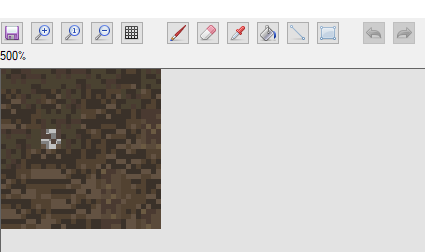 this is the original image .... 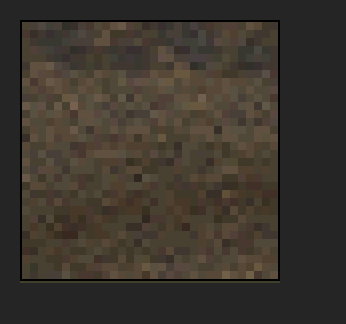 yeah don't use NSMBe. Download NitroStudio a special tool that alows to edit and create a lot of things for ds games. (not sponsored  ) )Select the world map you wanted to edit , click Extract and save it somewere safe . Import The file in nitro studio and you should have this: 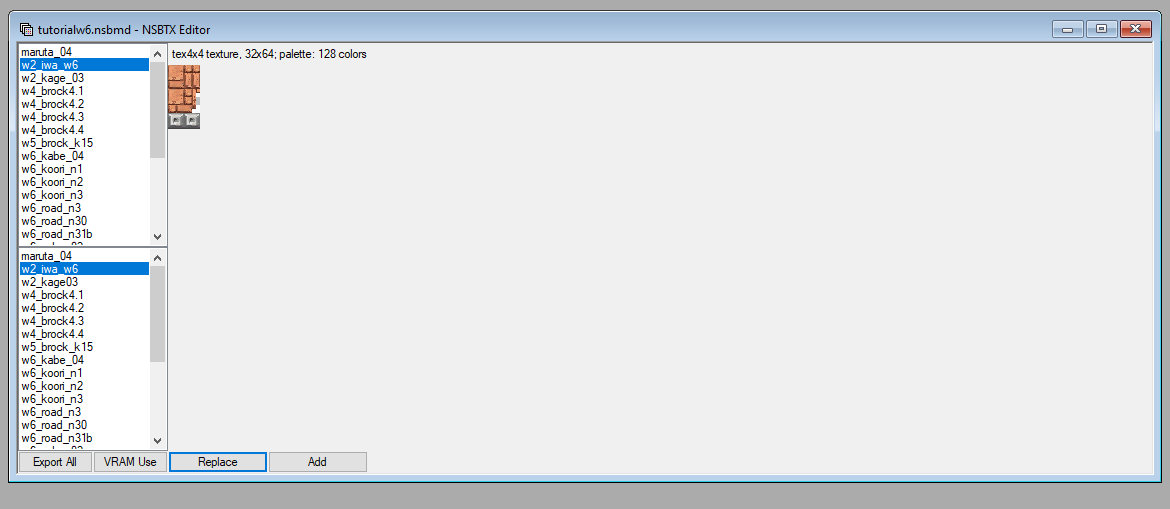 Click Export All and save it in a folder . NitroStudio Export in the .tga format which is not common. But you can use asesprite or libresprite (like me) to modify the tga files . --NitroPaint's textures format and how to import your images-- When you import your texture a popup apears with some options (note: i will only talk about the format option since the other ones are not necessary for the convertion process) : 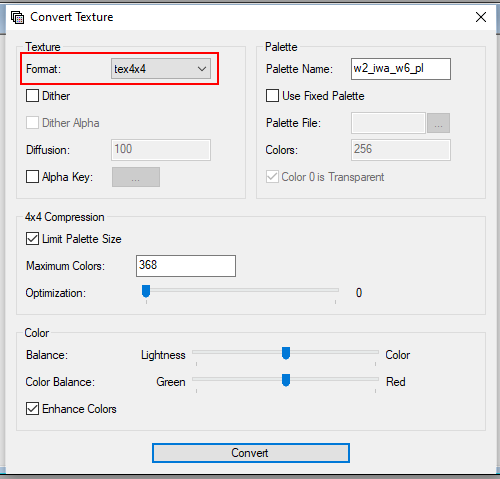 Formats: -Name- -Fonction- -Ram usage- -When to use it-
-a3i5 -allows for transparent -medium -when you need a texture to
textures but MAX 32 colors be transparent
-a5i3 -allows for transparent -medium -when you need a small texture to
textures but MAX 8 colors be transparent
-pallete4 -allows for MAX 4 colors -very low -when you need a texture with very
few colors
-pallete16 -allows for MAX 16 colors -low -when you need a texture with few
colors
-pallete256 -allows for MAX 256 colors -high -when you need a texture for a
backround or high quality
-tex4x4 -each 4*4 square can only -varies -when you need a good quality
have 4 colors of a set nomber of colors texture for a smaller size
-direct -each pixel has its own rgb value -EXTREMELY high -when you REALY need a very good
texture quality Then you chose your prefered format , BOOM you've got a good quality texture with the same format and same pallete: 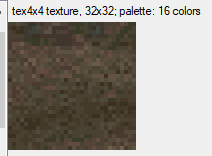 you can even expend the pallete with the colors option in the pallete options (4x4 compression options for the tex4x4 format obviously) , but do not abuse direct and 256pal textures or ram can be saturated . Re-import to NSMBe. Now You've got the perfect world map:  This Work for all textures . you can even edit backgrounds with this tutorial : https://nsmbhd.net/thread/6116-how-to-make-high-quality-backgrounds-using-nitropaint-tutorial/#75959 The END links: -NitroPaint:https://github.com/Garhoogin/NitroPaint/releases/tag/v2.10.1.0 I hope this helped somebody 
_________________________ The Rom Hack I Am Working On  i should have chosen a better font... |
|
|
Posted on 10-25-26, 09:55 pm
|
 Snifit SnifitUnfortunately, where there is light, there is dark. Where there's a Star, there's a Ztar!  Karma: 1150 Posts: 286/286 Since: 02-02-24 |
Your tutorial is good, but you made a mistake in your writing, the tool you need to use for this is Nitro Paint, not Nitro Studio, Nitro Studio is for editing music, while Nitro Paint is for editing general DS games graphics, it's important not to confuse the two.
_________________________  
|
|
|
Posted on 10-26-26, 11:23 am
|
|
Red Goomba A random Guy on the internet that like mario games in general :/ Karma: 46 Posts: 37/38 Since: 12-21-25 |
i tought i corrected the error ? (i just realised that i spelled palette wrong in the entire tutorial
 ) )
_________________________ The Rom Hack I Am Working On i should have chosen a better font... |
Pages: 1